How do I integrate Fathom with Pylon?
Last updated: October 7, 2026
Make sure you are a Fathom administrator before going through the app install process.
You will need Fathom Team or Business plan in order to sync calls from across your organization.
Go to the Settings > Integrations
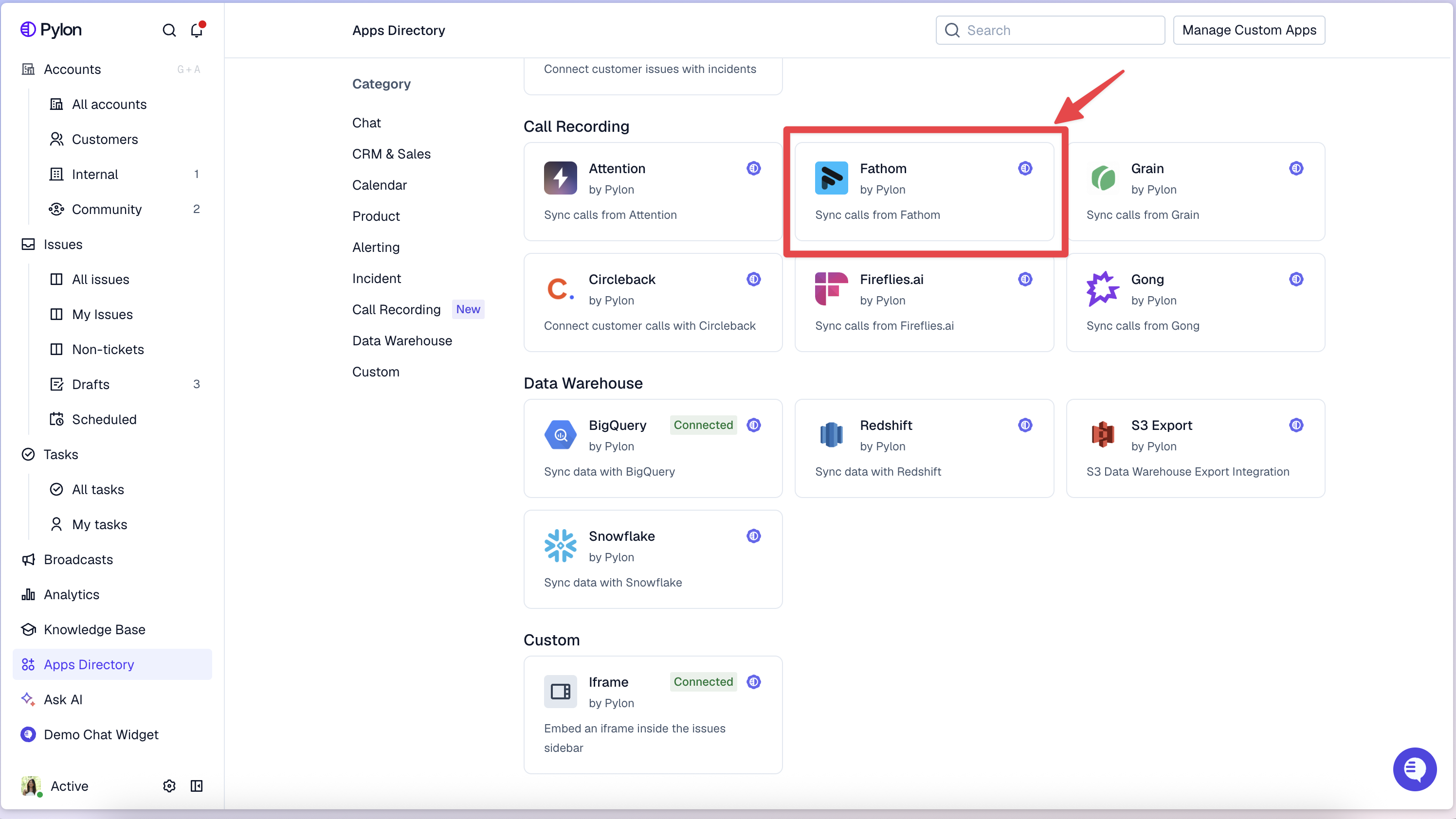
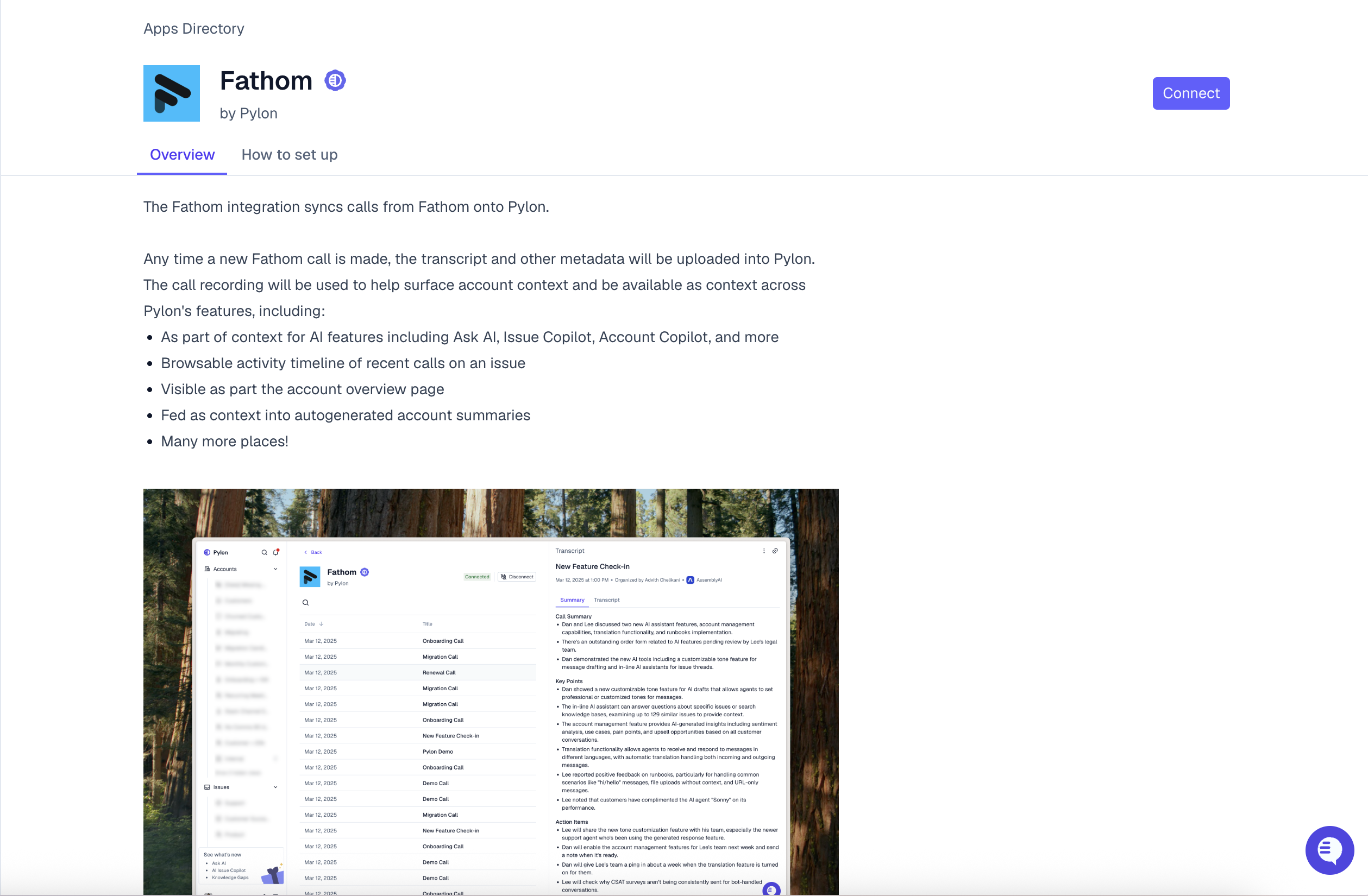
Click on the Fathom app and hit Connect.
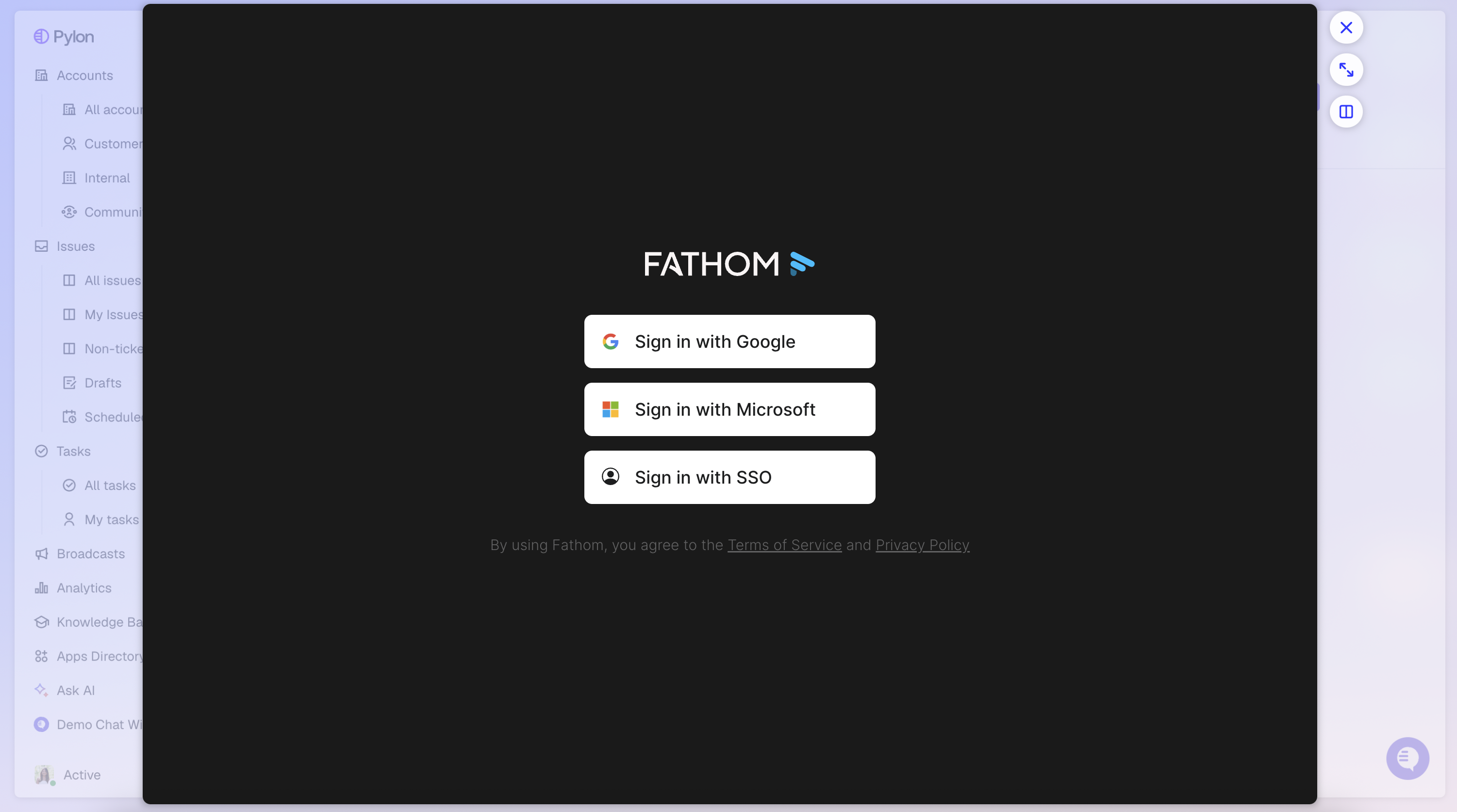
Sign into Fathom and connect accounts.
Note: To protect participant privacy, on the call list in the Fathom integration page in Pylon, you will only be able to see calls which you were a participant in. Calls from other members of your team in Fathom will still be pulled in and attributed to the correct Pylon account.